Facebook page kits
Four Facebook pages. Home Signal runs the third-party pages. Each personal blog runs one story page. Everything below is ready to download or paste.
Home Signal
Runs the third-party pages: the three explainers and the host listicle.
Plain-language guides to water, energy and security at home. Real cases, real numbers.
Home SignalMedia/news company
- Profile picture1080 x 1080 PNGDownload
- Cover photo1640 x 624 PNGDownload
 Logo1600 x 400 PNG, transparentDownload
Pick "Media/news company" first.
If taken: readhomesignal, then homesignal.eu.
Button: Learn more.
Martin's DIY Home
Runs the flood story.
Fixing up an old house in Utrecht, one weekend at a time.
Martin's DIY HomePersonal blog

If taken: martins.diy.home
Button: Learn more.
Andreas on a Budget
Runs the energy story.
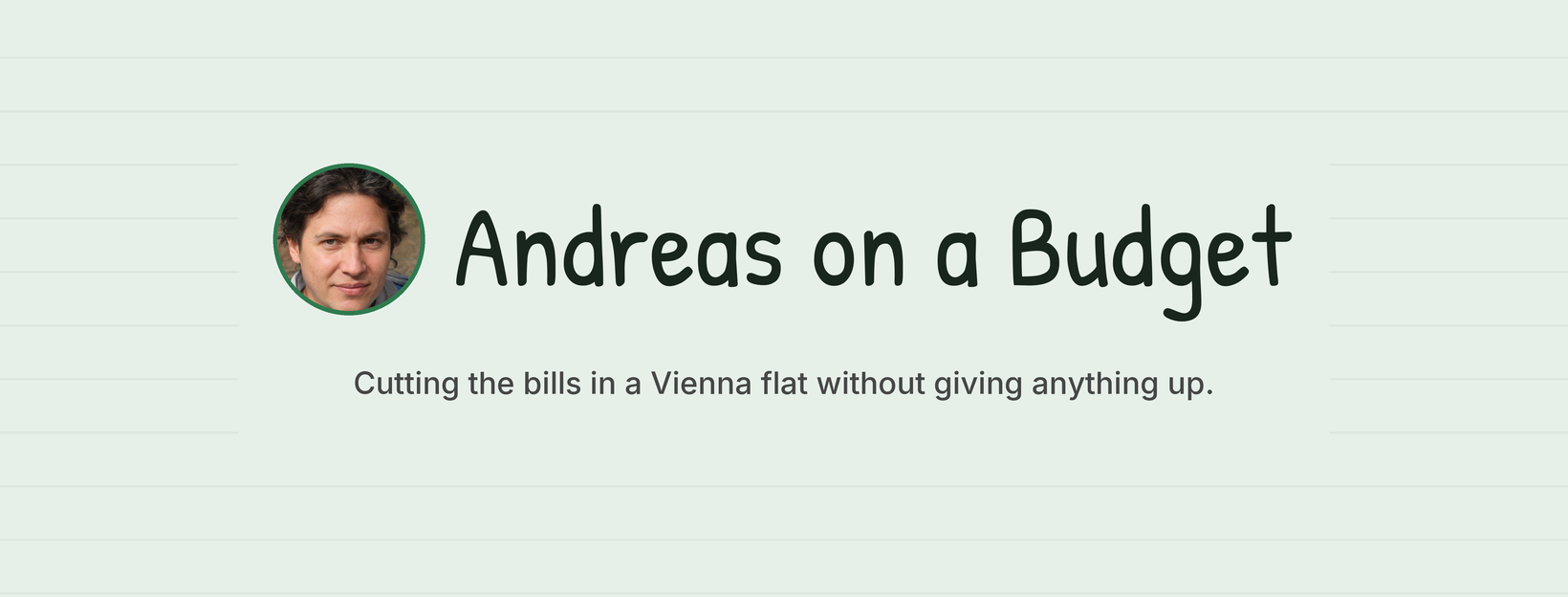

Cutting the bills in a Vienna flat without giving anything up.
Andreas on a BudgetPersonal blog

If taken: andreas.on.a.budget
Button: Learn more.
Elena, The Lisbon Host
Runs the rental story.
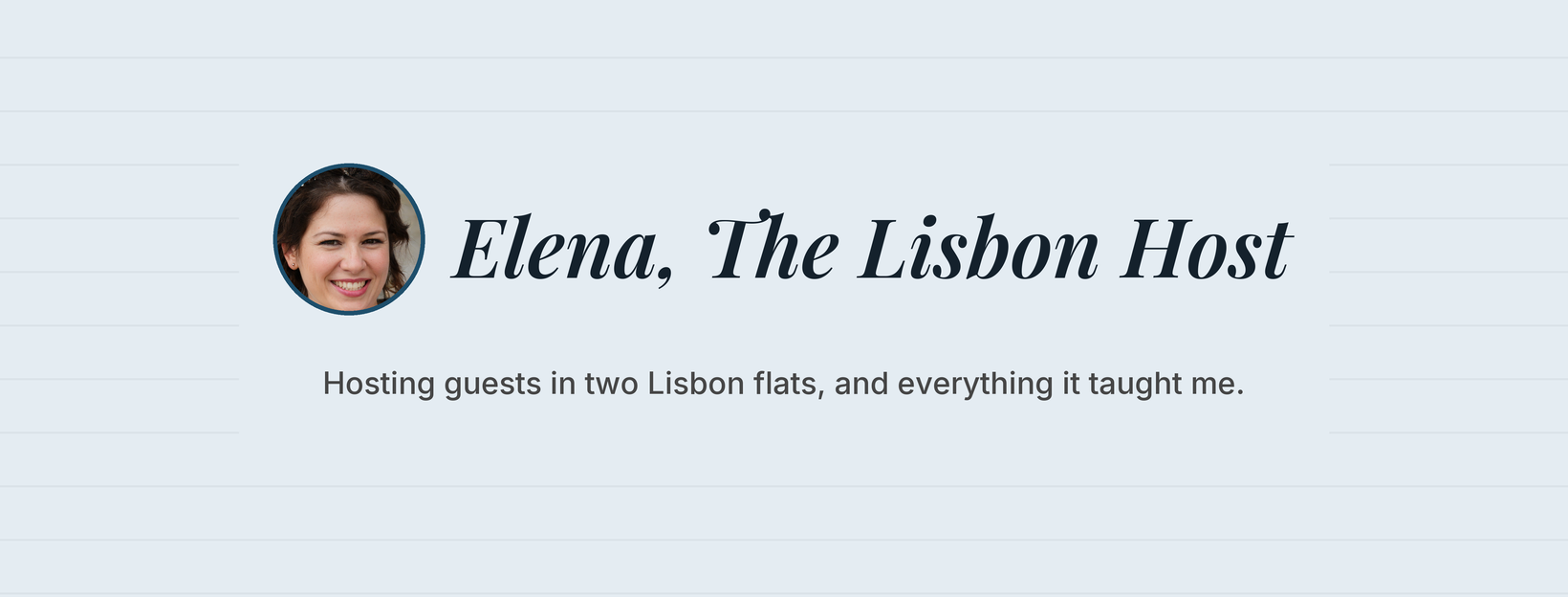
Hosting guests in two Lisbon flats, and everything it taught me.
Elena, The Lisbon HostPersonal blog

Keep "Airbnb" out of the name: it is a trademark.
If taken: elena.lisbon.host
Button: Learn more.
Setup, for each page
- Create each one as a Facebook Page, from the Meta Business Suite that owns the ad account. Not a personal profile: Meta closes made-up personal accounts.
- Enter the page name, category and bio.
- Upload the profile picture and cover photo, with their alt text.
- Set the username, the website and the "Learn more" button.
- Paste the About text.
- Publish the first post and pin it, so the page is not empty when ads start.
- In Business Settings, give the ad account access to the page.
- For ads that promote Shelly products, switch on the "Paid partnership" label with Shelly Europe.